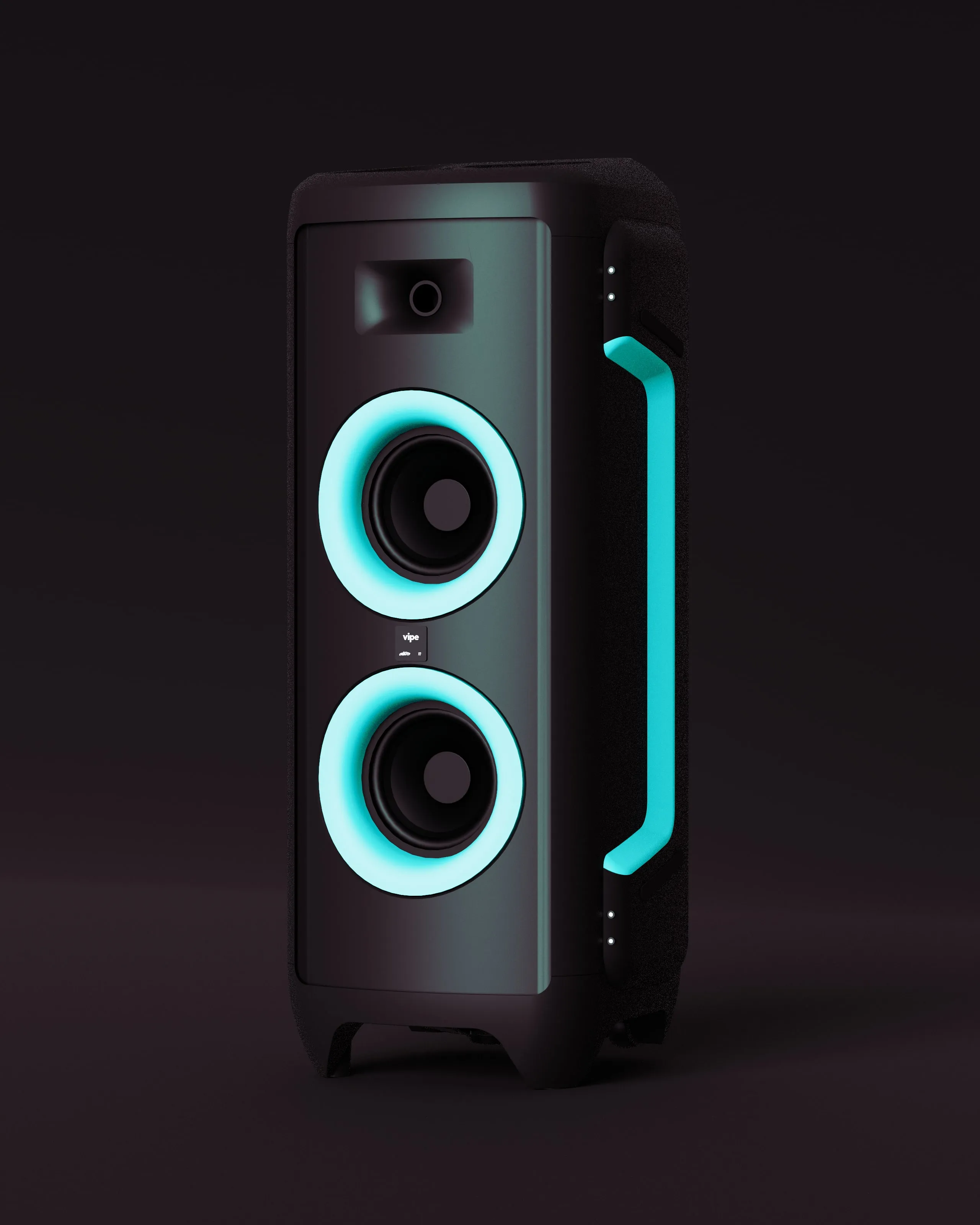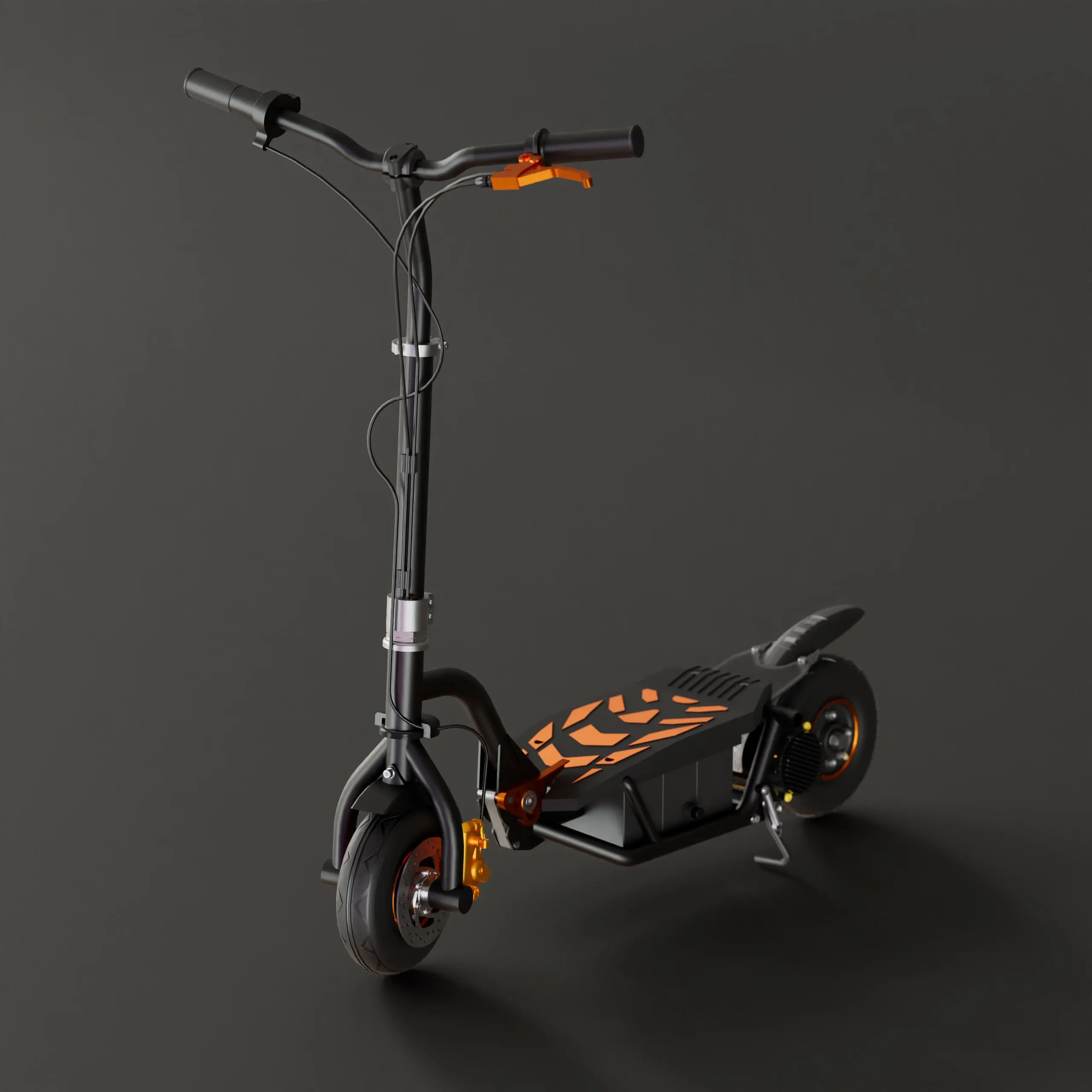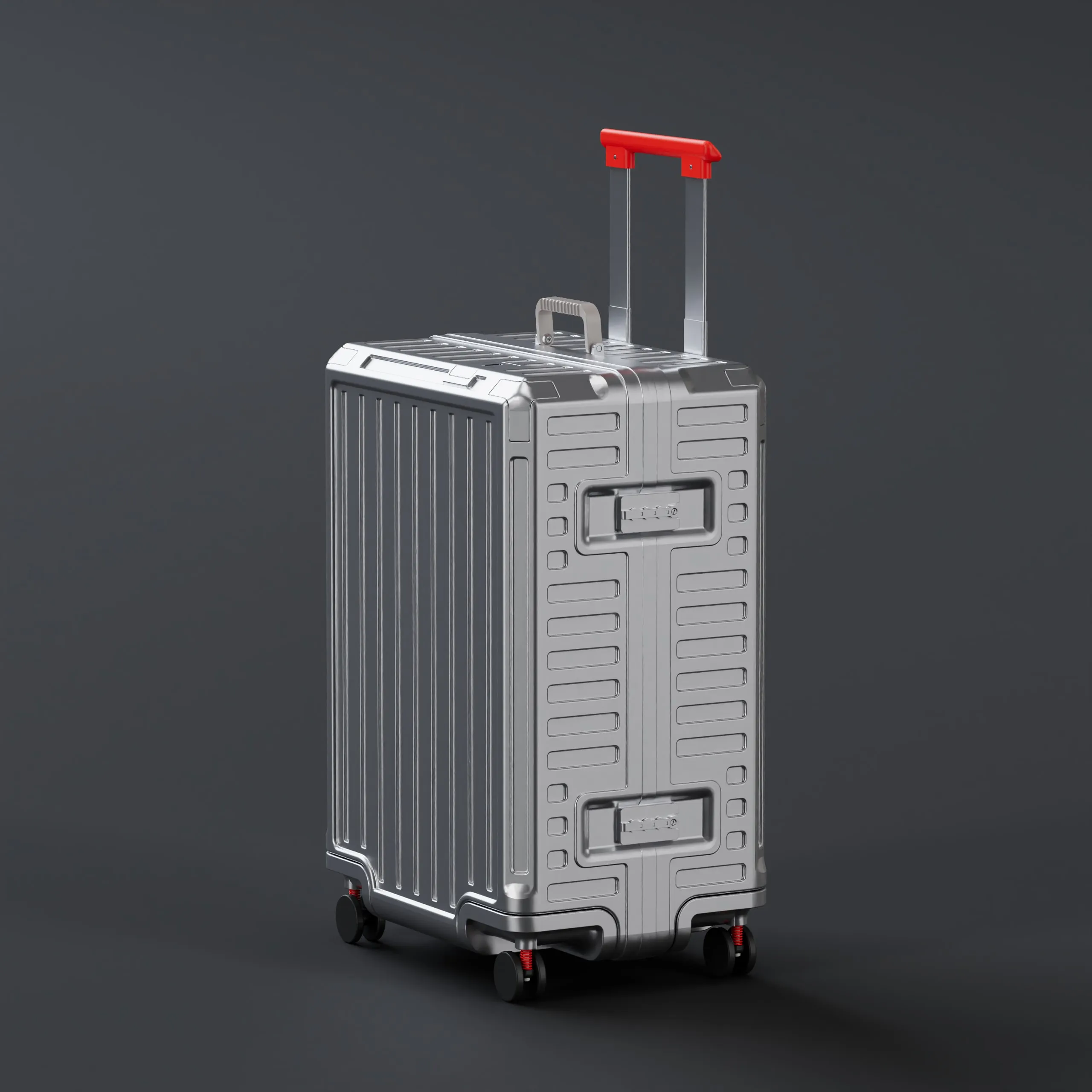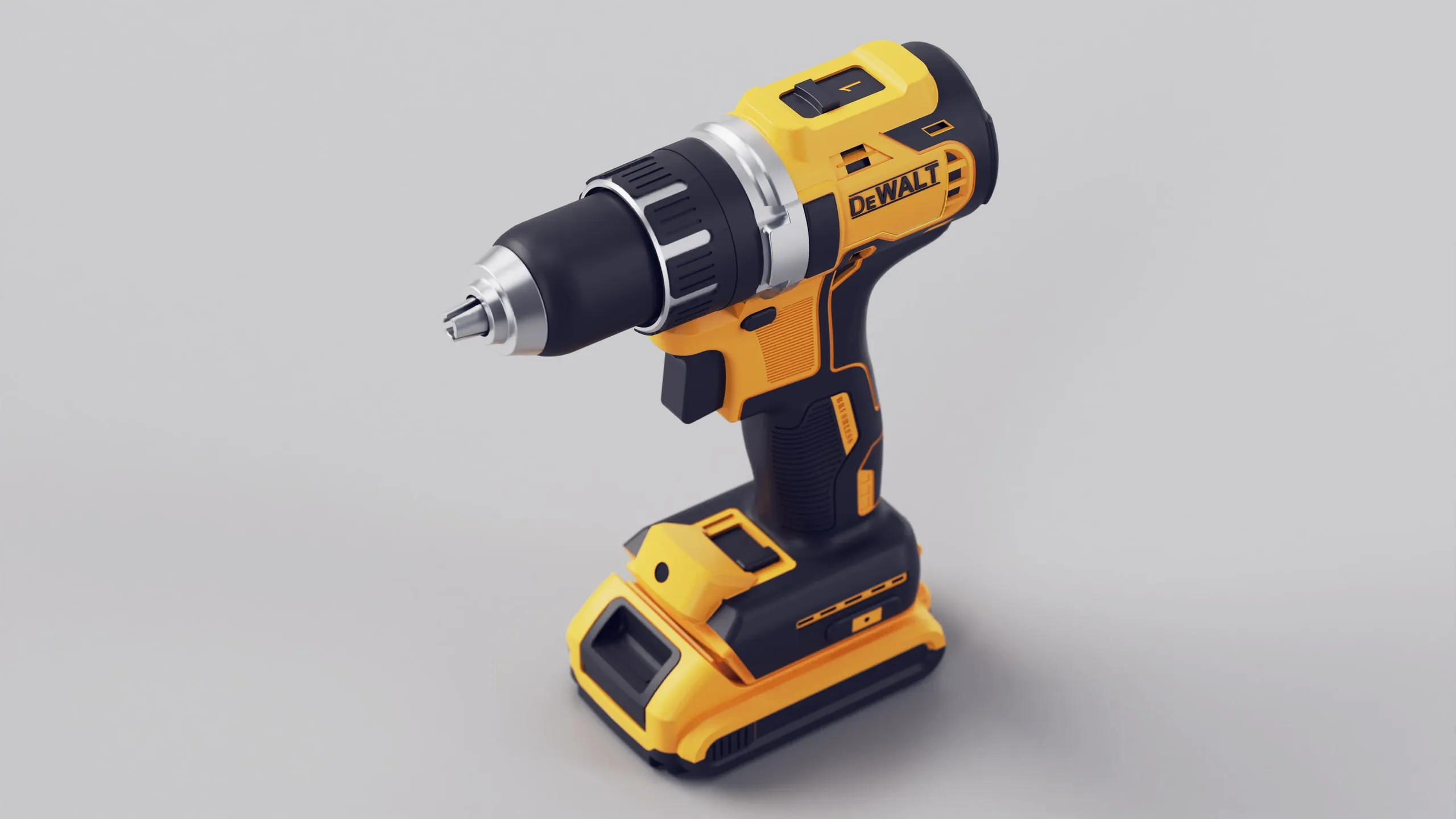
STEP 1
Drop in your model
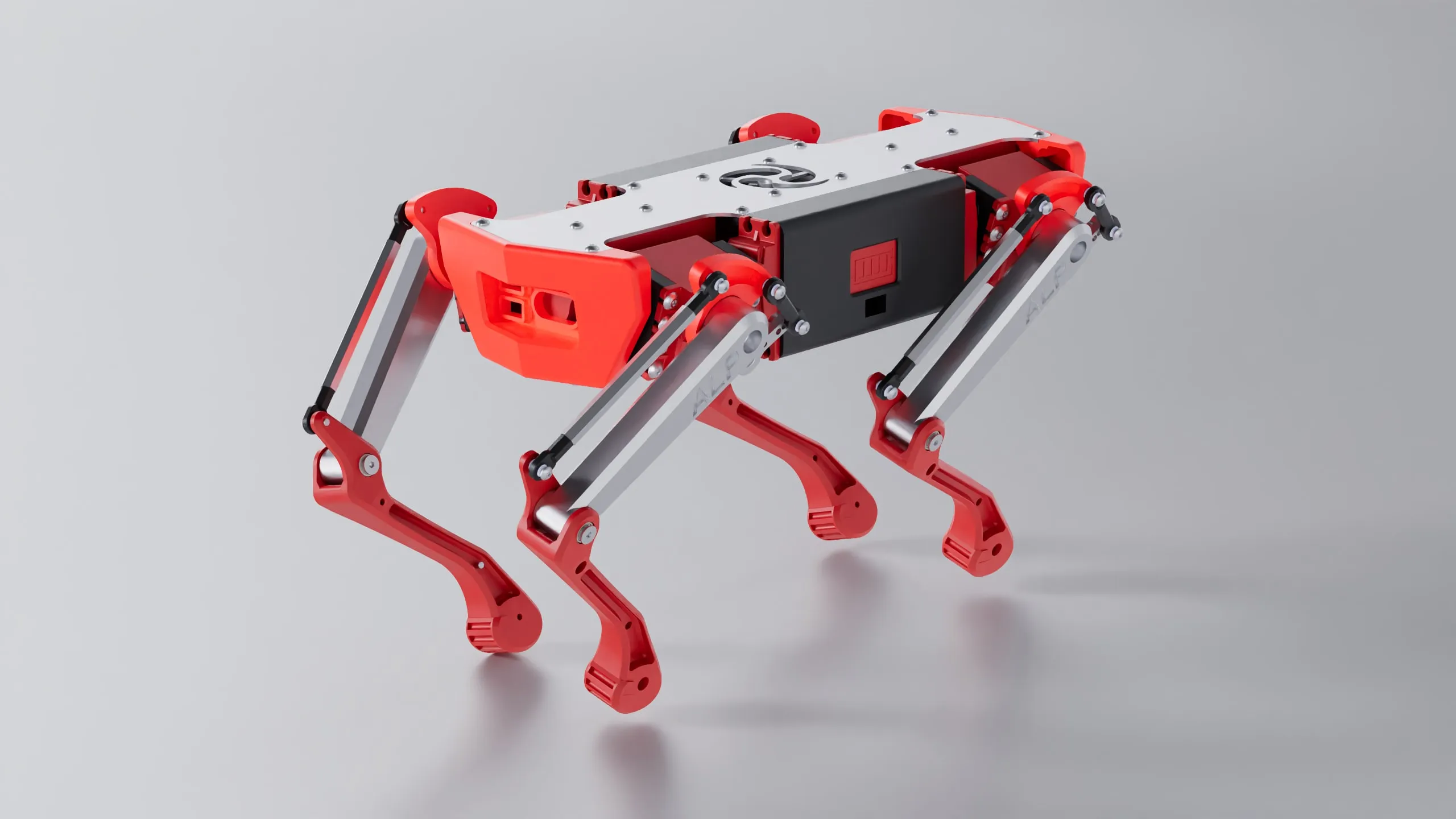
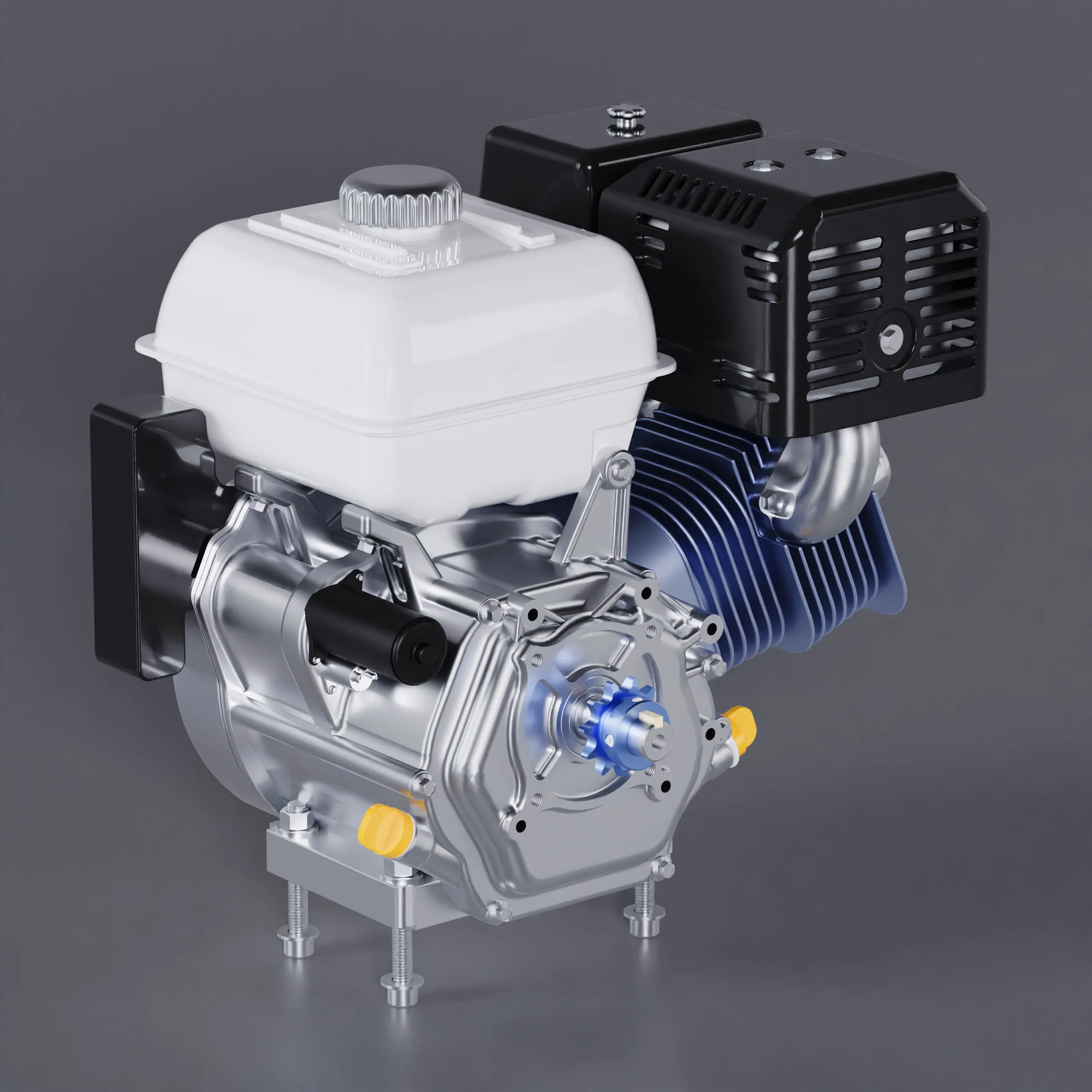
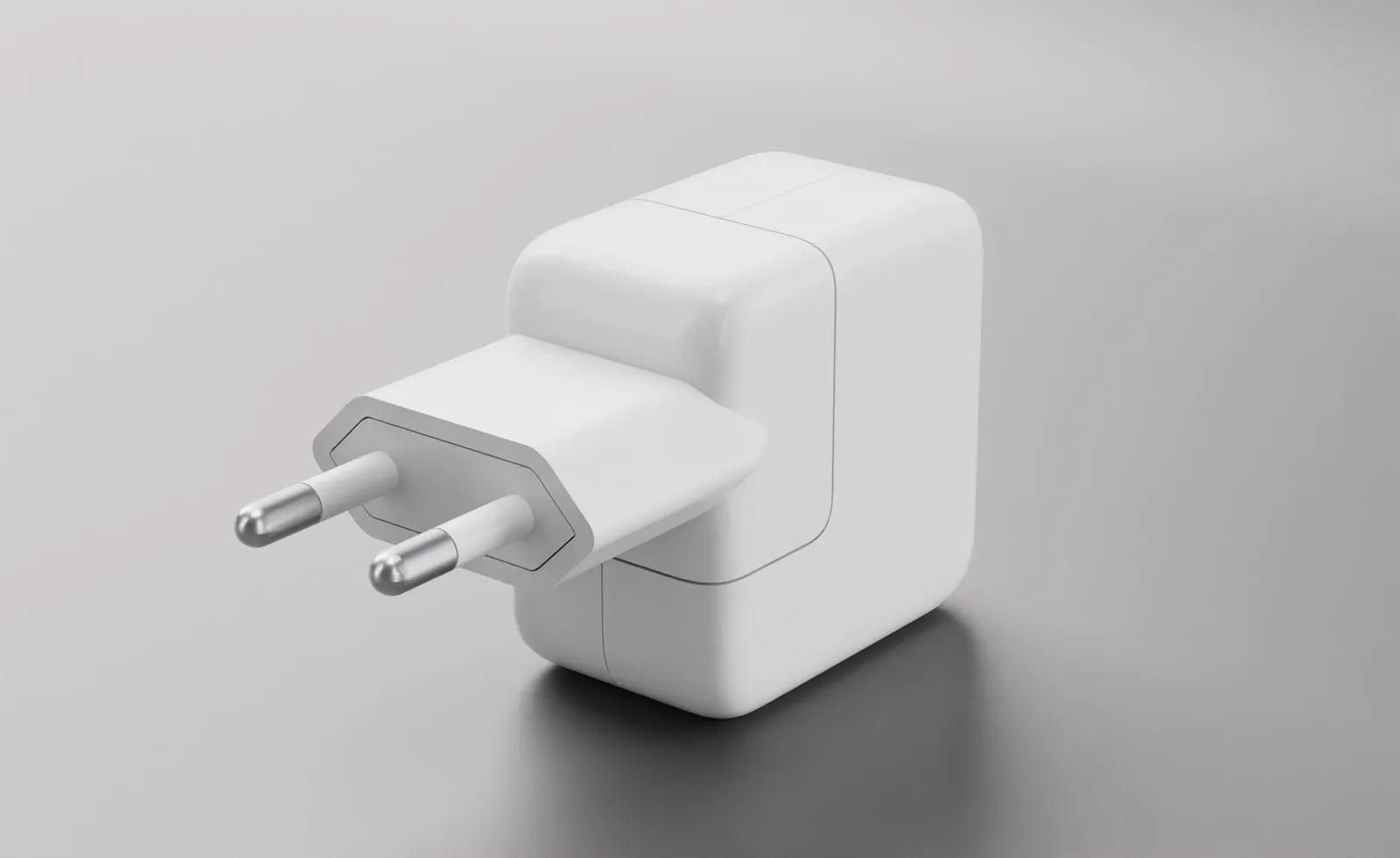
GLB, OBJ, FBX, STL or a CAD file. It lands on a studio floor, scaled and centered, with every part selectable.

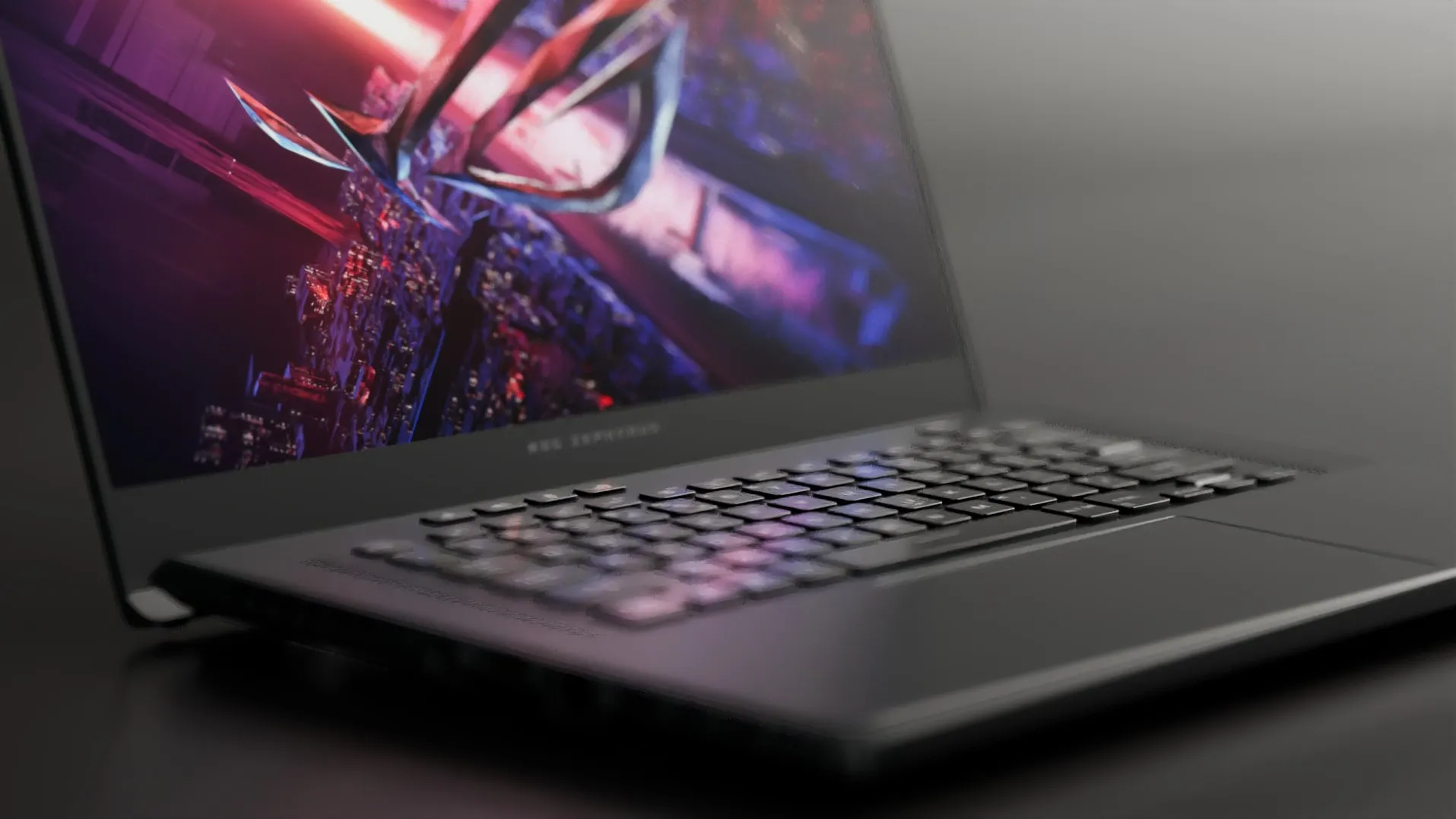
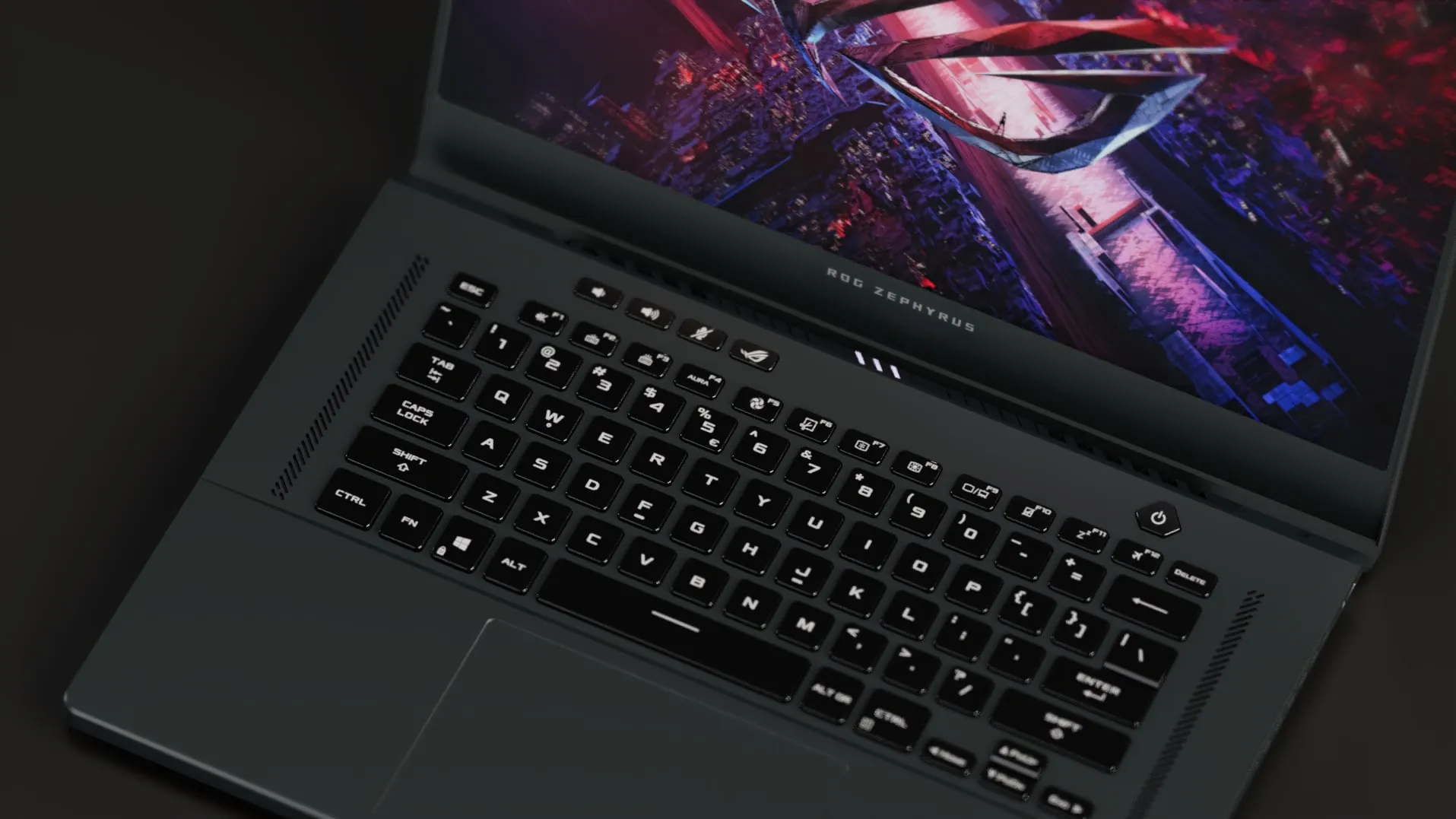
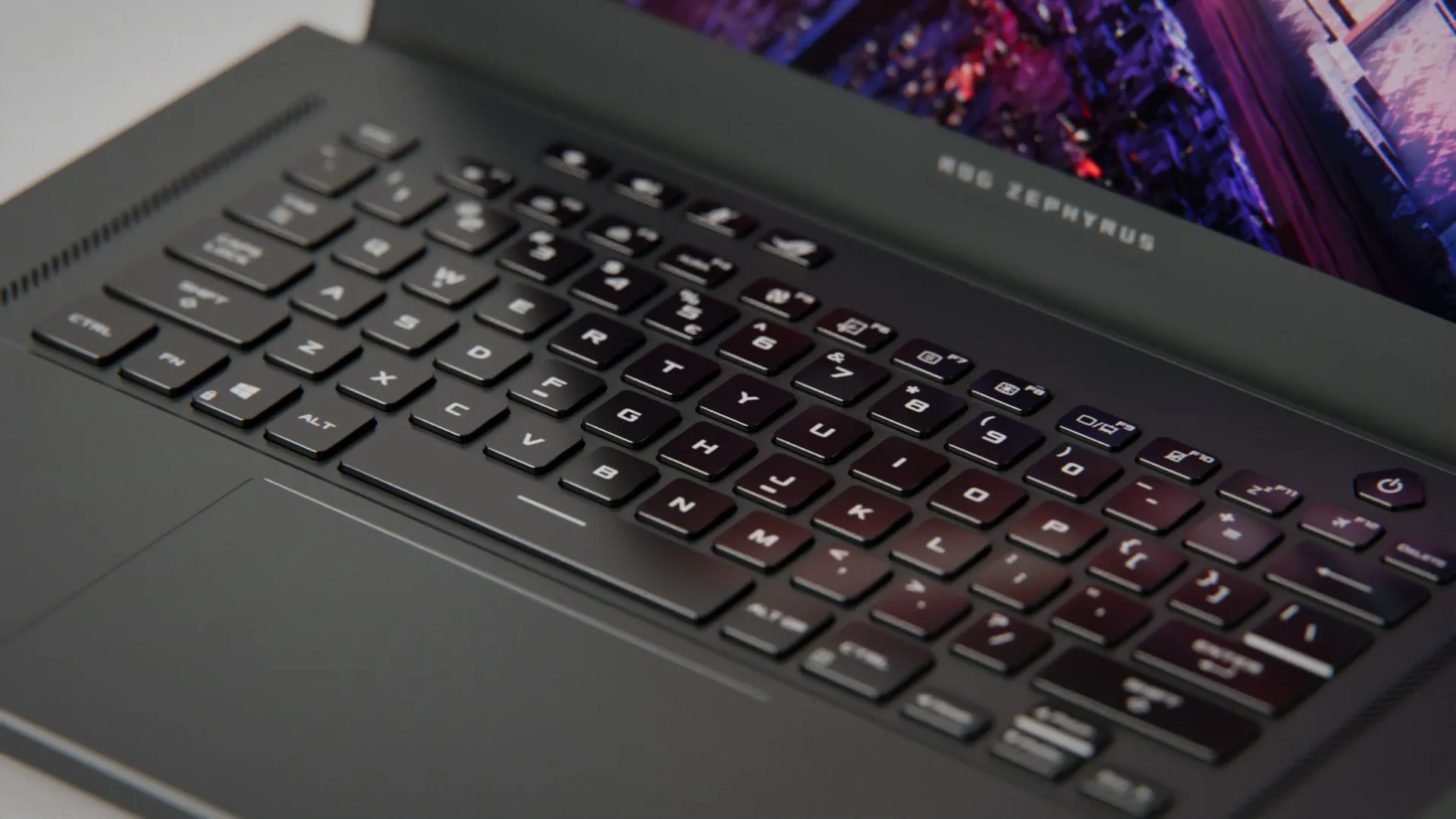
Drop in a GLB or a CAD file, set materials part by part, light it with HDRIs and softboxes, and let the path tracer do the rest. Your model is converted on your computer, never uploaded.
Runs in a desktop browser · No install · Free forever on your computer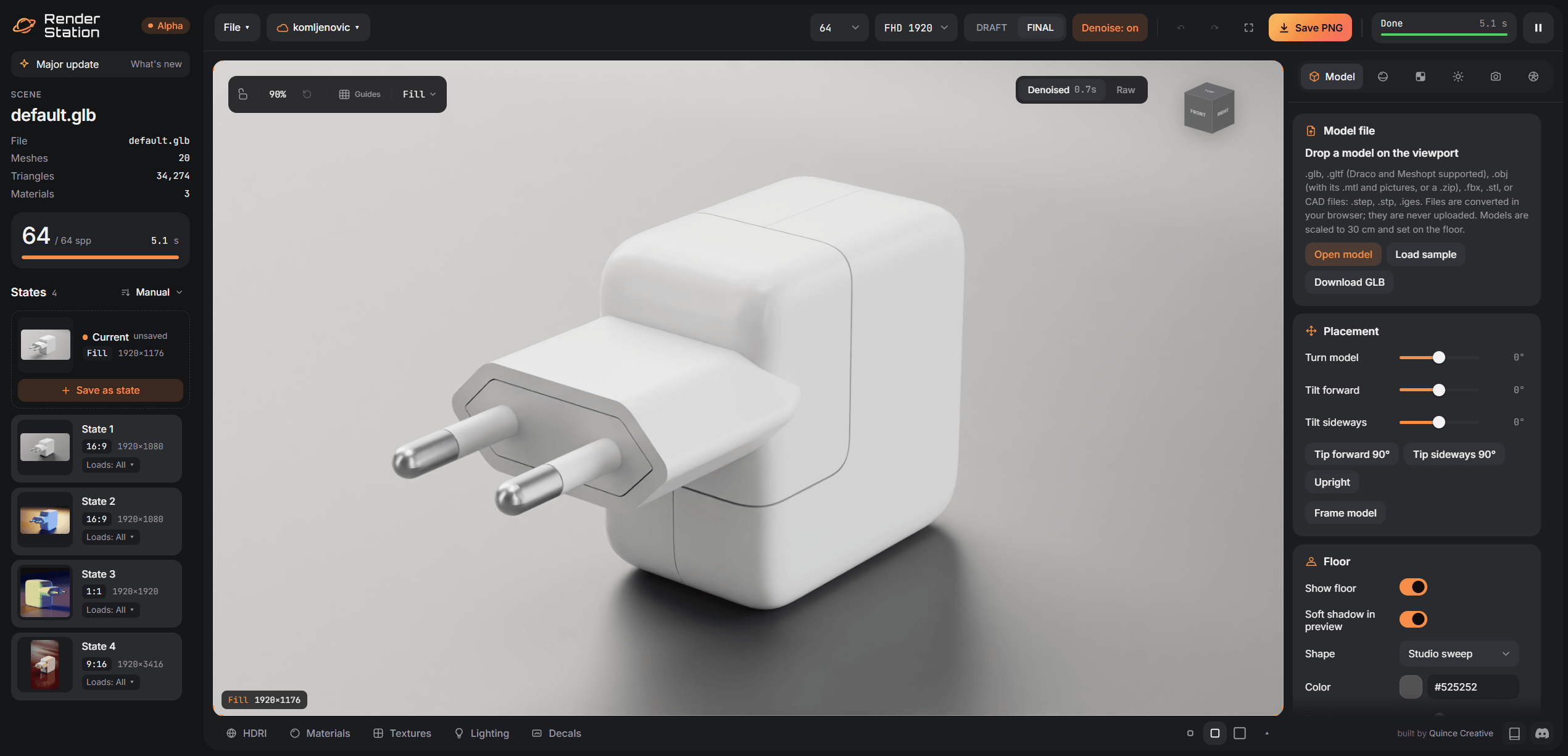
GLB, OBJ, FBX, STL or a CAD file. It lands on a studio floor, scaled and centered, with every part selectable.
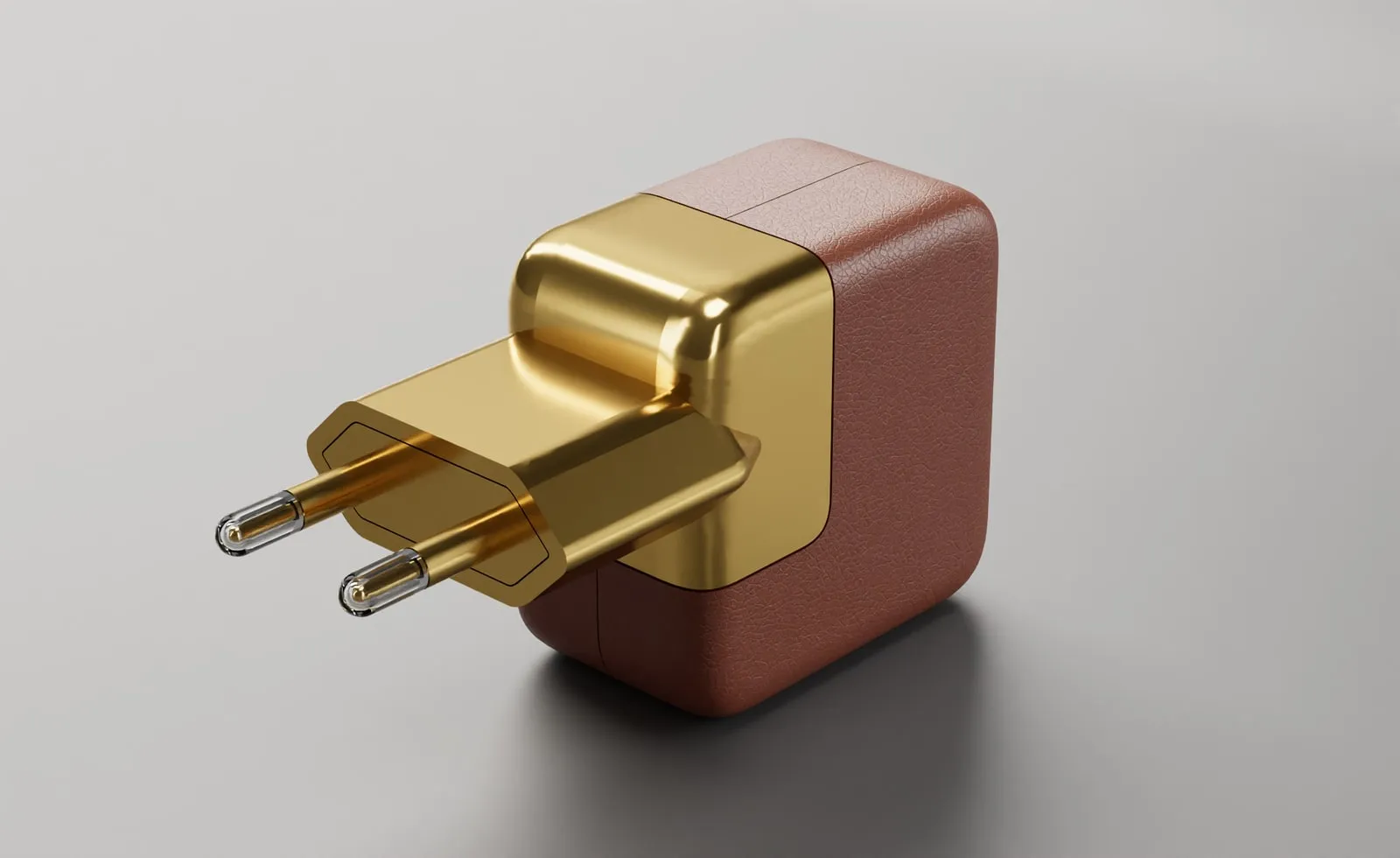
Click a part, pick Chrome, Gloss plastic, Frosted glass or tune color, roughness and clearcoat yourself.
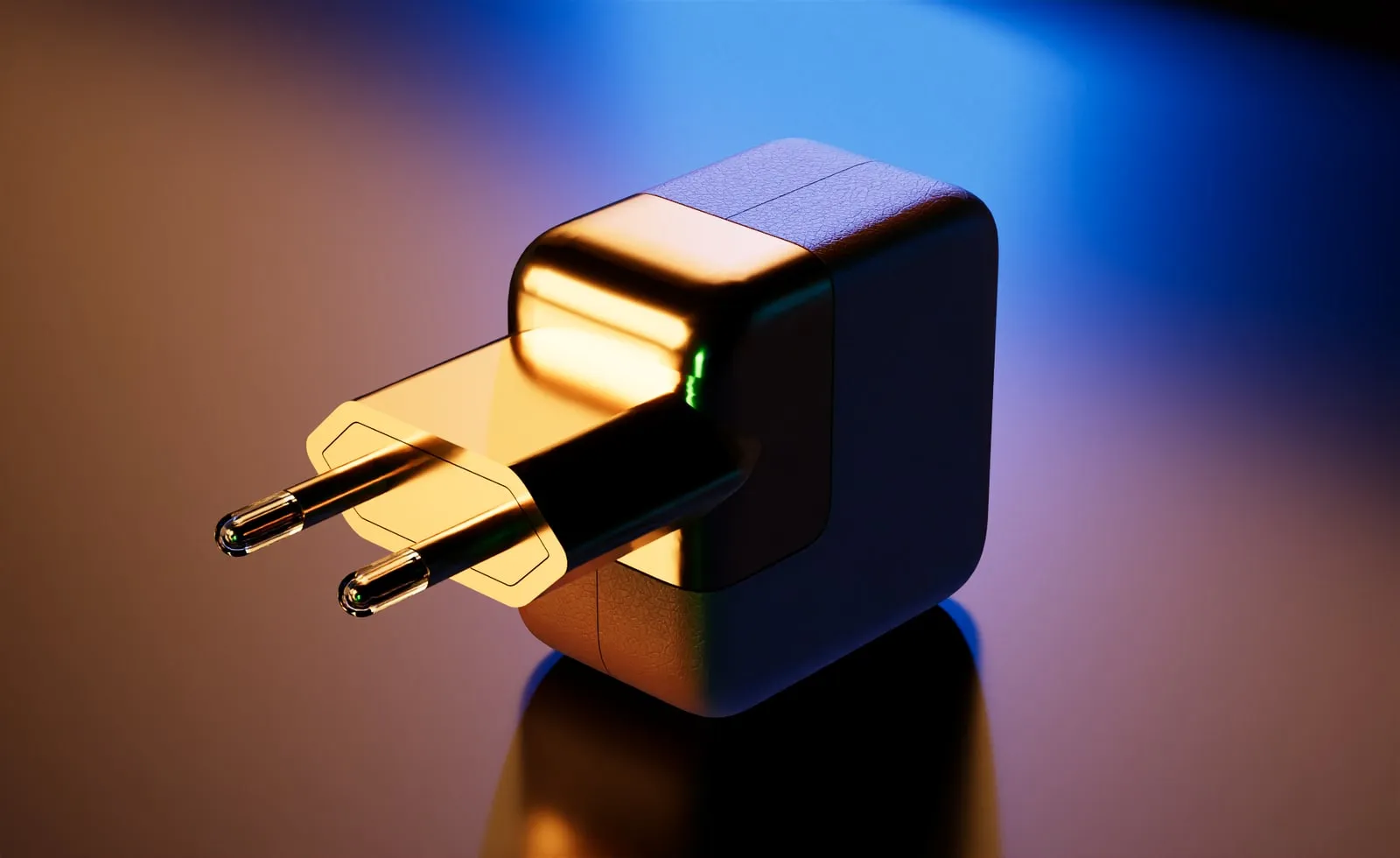
Choose an HDRI or add softboxes, set the lens, press Render. Draft for speed, Final for the shot you deliver.
One browser tab instead of a DCC, a render engine and an image editor.
Presets for metals, plastics, glass, ceramic and rubber, or tune every value. Shared materials stay shared until you split them.
Studio, outdoor and interior HDRIs, plus softboxes you can place, scale and dim, like a real product table.
Focal length, depth of field and framing guides, so a close-up is a zoom, not a crash into the product.
Save camera, format and look as states. 16:9 for the site, 1:1 for the shop, 9:16 for stories.
Bloom, vignette, grain, chromatic aberration and your watermark, applied before you export.
A denoised preview in seconds, then a Final pass that keeps sampling until the noise is gone.
With Cloud, every scene, state and render is saved to your account. Share a gallery link, no account needed to view.
Open a lit, finished scene, swap in your model and keep the light, camera and materials.
Save the camera, format and look as a state. Switch between them in one click and render the whole set, without rebuilding the shot for each channel.
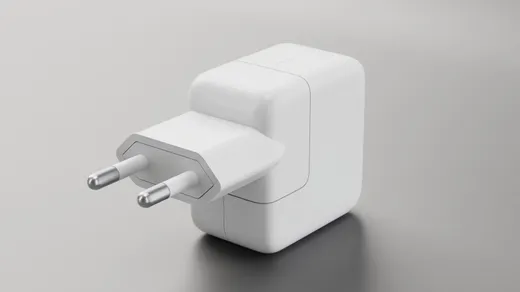
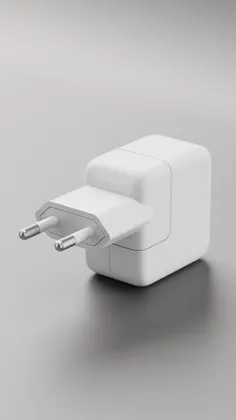
Open a finished setup, drop in your model and keep the light, camera and materials.
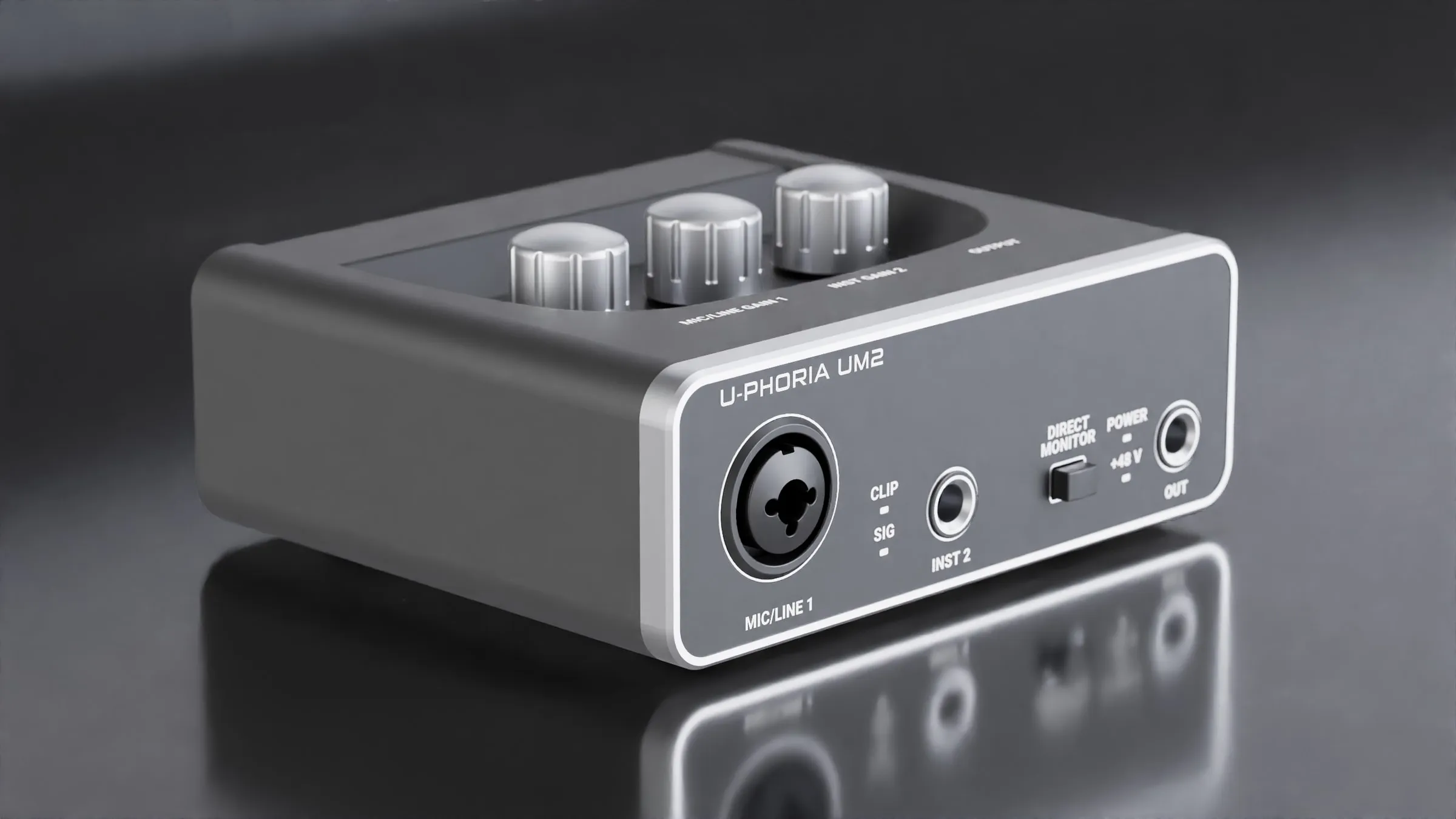
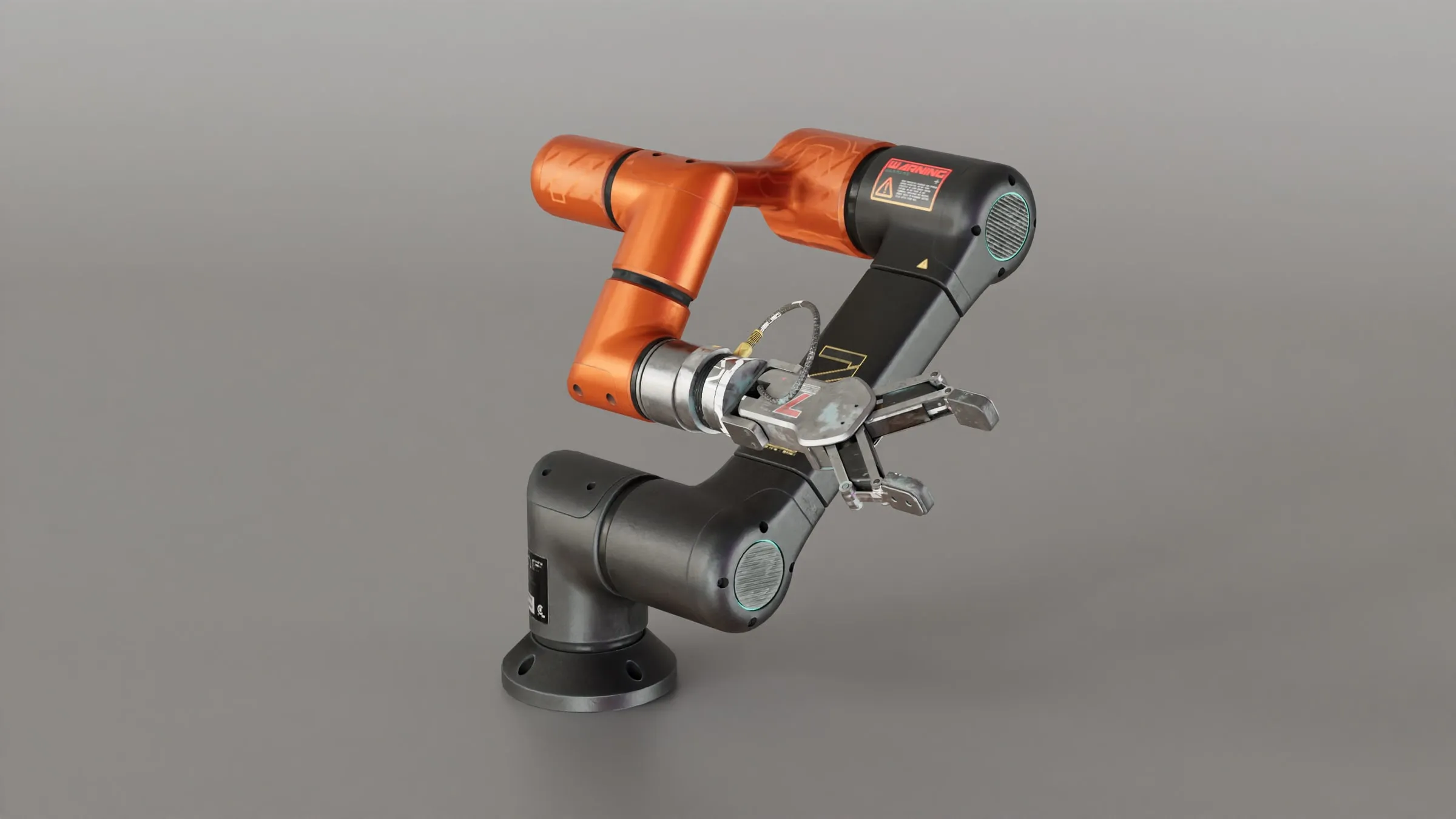
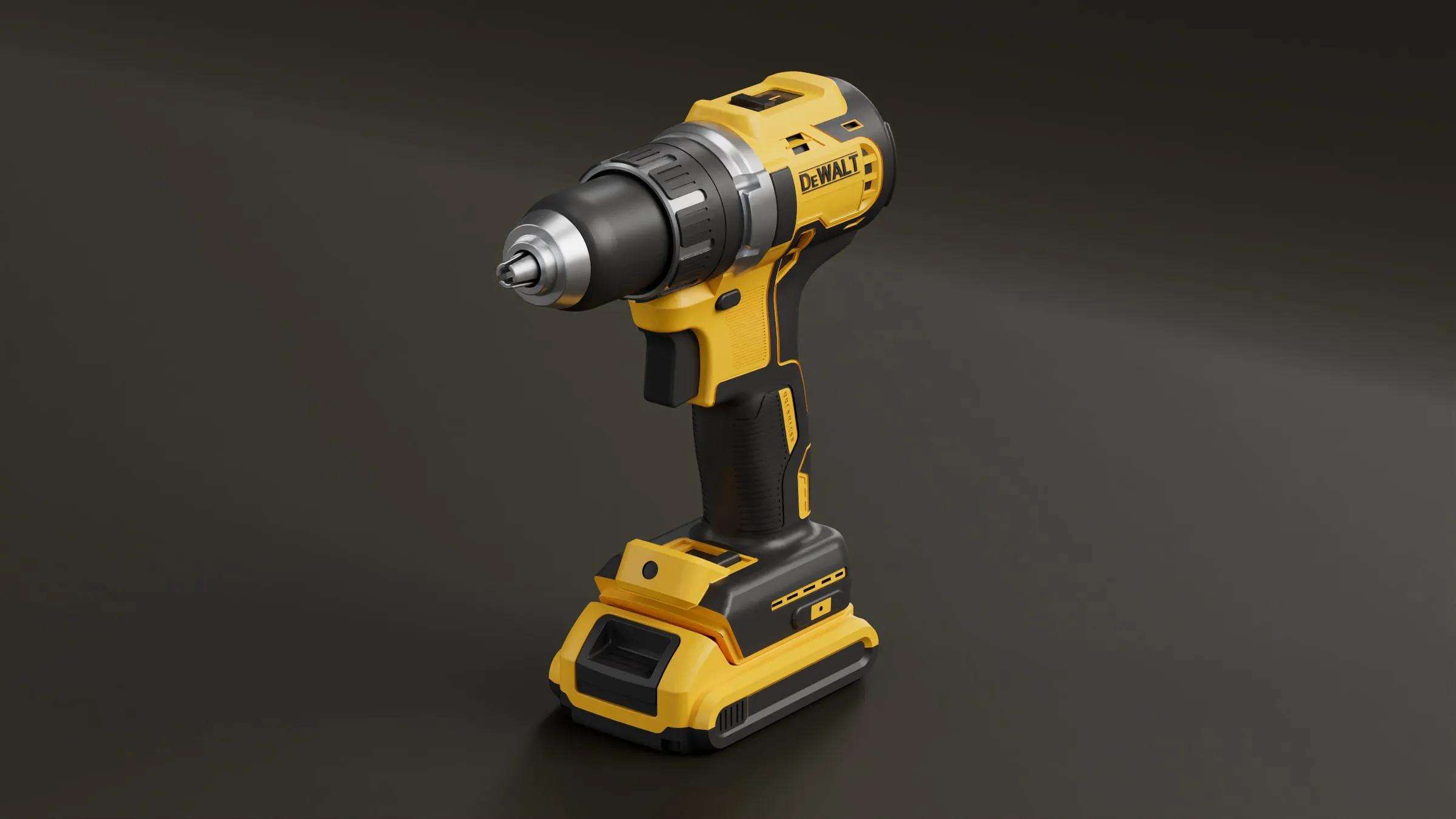
Rendering happens on your own graphics card, so it costs us nothing and costs you nothing. Pay only if you want your projects in the cloud.
Something else? The help center has the details, or ask us on Discord.
Help centerAny recent desktop or laptop GPU works. A faster card converges sooner; a slower one gets to the same image, it just takes longer. Draft mode keeps the preview quick either way.
No. Models are converted on your computer and never uploaded. They reach our servers only if you save a project to the cloud.
GLB and glTF (Draco and Meshopt), OBJ (with MTL and textures, or as a ZIP), FBX, STL, and CAD files: STEP, STP and IGES.
On a phone the studio does not render. You can sign in there to browse your renders and projects. Rendering needs a desktop browser.
Render Station is built by Quince Creative and is currently in alpha.